


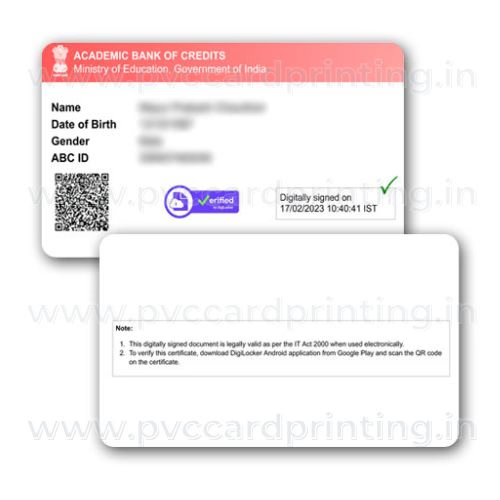

Masked Aadhaar PVC card: what you get
A wallet-size PVC print of your masked Aadhaar, made from the masked e-Aadhaar PDF you download from UIDAI and upload at checkout. A masked Aadhaar shows only the last four digits of the Aadhaar number (the first eight appear as XXXX-XXXX) together with your name, photo, date of birth, gender, address and the QR code. We print the file exactly as it is: we do not unmask, edit or correct anything, and we are not UIDAI. The card is a convenience copy for the many places that ask to see an Aadhaar but do not need the full number. It is not the official UIDAI PVC Aadhaar card.
Why people order the masked version
UIDAI itself recommends sharing a masked Aadhaar wherever the full number is not needed, because a masked copy cannot be used to look up or misuse your Aadhaar number. Hotels, event entry, SIM verification counters, coaching classes, hostels and many private offices only need to confirm identity and age, and a masked card does that while keeping the full number off the counter. Customers who already carry the official Aadhaar card often order this one as the copy they hand over day to day.
How to download a masked e-Aadhaar
- Open myaadhaar.uidai.gov.in and choose Download Aadhaar.
- Enter your Aadhaar number, Virtual ID or Enrolment ID, verify the captcha and the OTP sent to your registered mobile.
- Tick Do you want a masked Aadhaar? before you download.
- The PDF is password-protected: the password is the first four letters of your name in capitals followed by your year of birth (for example RAHU1990). Open it once to check, then upload the PDF to us as it is; we can open protected UIDAI PDFs.
A masked copy can also be downloaded from the mAadhaar app and from DigiLocker. We cannot download it for you, and we never ask for your Aadhaar number, OTP or password.
Check these before you order
- The e-Aadhaar page is A4. We print the identity block (photo, name, date of birth, gender, masked number and QR code) on the front and the address block on the back, at card size.
- Read the name, date of birth and address on your PDF against your record before uploading; we cannot correct a mistake after printing.
- If you need the full number on the card, download the unmasked e-Aadhaar instead and order our any document PVC card, or order the official PVC card from UIDAI.
Common questions
Is the printed masked Aadhaar valid as ID?
UIDAI accepts masked Aadhaar for identity verification; whether a particular office accepts a privately printed copy is up to that office. Keep the PDF or the mAadhaar app available as well.
Will the QR code work after printing?
Yes, when you upload the original PDF. The QR on a masked Aadhaar is the secure QR and can be scanned with UIDAI’s QR scanner app to verify the card.
Can you print for a family member?
Yes. Upload their masked e-Aadhaar PDF and we ship to any address in India.
Other cards you may need
Many customers order the PVC PAN card and the PVC Voter ID card in the same parcel.
- Upload: add the card to your cart and upload a clear file at checkout. A PDF from the official portal (DigiLocker, mParivahan, UMANG and similar) prints sharpest; a flat 300 dpi scan also works. We print the file as it is and do not edit or correct any detail.
- Printing and dispatch: printing usually takes about 72 hours. We try to dispatch the same day printing finishes and ship by Speed Post. At dispatch we send the tracking number and photos of your card to your WhatsApp number.
- Card: PVC, 85.60 x 53.98 mm (standard credit-card size), UV print, made by DM Incorporation, Yavatmal.
- Payment and cancellation: online payment only, no cash on delivery. Orders can be cancelled only before printing starts. Damaged or misprinted cards are reprinted free if you contact us within 7 days with photos.
Read the full ordering, delivery and refund details or WhatsApp us on +91 92846 08837.
Related products

Insurance Cards

ID & Welfare Cards

Other Cards
Health & Insurance Cards

Membership Cards

Health & Insurance Cards

ID & Welfare Cards
Health & Insurance Cards